
Is Minecraft Safe for Kids? A Complete Parent’s Guide.
Wondering if minecraft is good for kids? Well, check out what experts have to say
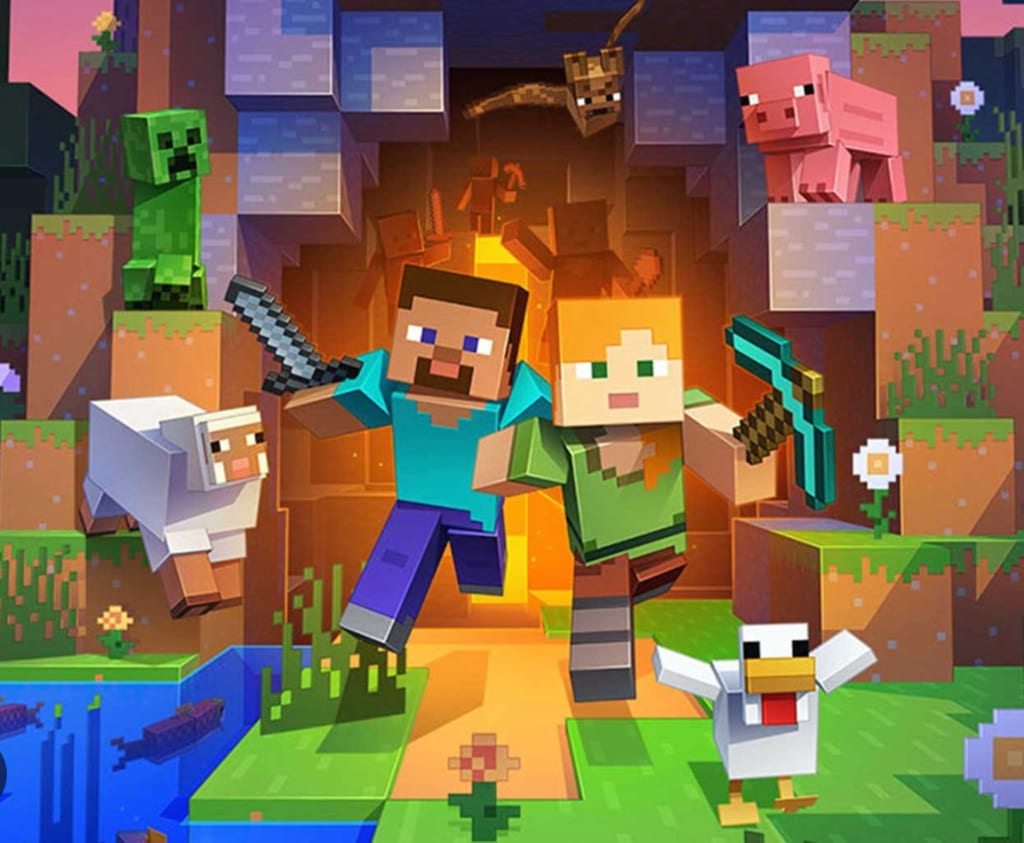
If your child has ever talked about building houses, fighting zombies, or exploring endless worlds, chances are they’re referring to Minecraft. With over a decade of popularity and millions of young players worldwide, it’s one of the most loved games among kids.
But as a parent, a common question comes up: Is Minecraft safe for kids?
Sure, as long as you're in the right place and are supervised. But it is an online platform, so there are risks to consider before letting your child use it.
This guide breaks down everything you need to know, from possible problems to safety features, so you can make a smart choice.
What's Minecraft and Why Do Kids Love It?
Minecraft is an open-world sandbox game where players can build, explore, and survive in a block-based virtual world. There are no strict goals, which allows kids to use their imagination freely.
- Creative Mode – Unlimited resources, no enemies
- Survival Mode – Players gather resources and face challenges
- Adventure Mode – Custom maps and experiences
- Multiplayer Mode – Play with friends or strangers online
This flexibility is one of the biggest reasons kids are drawn to the game.
Is Minecraft Safe for Kids? (Quick Answer)
Minecraft is generally safe for kids aged 7 and above. It even has an ESRB rating of E10+, meaning it's suitable for most children with mild fantasy elements.
However, safety depends heavily on:
- Whether your child plays offline or online
- The servers or communities they join
- Your use of parental controls and privacy settings
Potential Risks Parents Should Know
Here are some of the potential risks parents should know:
1. Online Multiplayer Risks
When kids play on public servers, they may interact with strangers. This can expose them to:
- Inappropriate language
- Cyberbullying
- Unmoderated chats
2. In-Game Chat and Communication
Minecraft includes chat features in multiplayer mode. Without proper controls, children might:
- Share personal information
- Receive messages from unknown players
3. Add-Ons and Mods
Minecraft allows users to install mods (modifications). While many are harmless, some can:
- Include inappropriate content
- Lead to unsafe external downloads
4. Screen Time Concerns
Because the game is highly engaging, kids may spend long hours playing, which can affect:
- Sleep routines
- Physical activity
- Academic focus
Safety Features in Minecraft
Let us take a look at the safety features in Minecraft:
Built-In Parental Controls
Minecraft offers several tools to help parents manage gameplay:
Microsoft Account Settings
If your child plays using a Microsoft account, you can:
- Control who they can chat with
- Restrict multiplayer access
- Manage friend requests
Privacy and Safety Settings
Parents can:
- Disable chat completely
- Limit interactions to approved friends
- Block unknown players
How to Make Minecraft Safe for Kids?
Here 's how you can make minecraft safe for kids:
1. Choose the Right Game Mode
Start your child with Creative Mode or single-player gameplay. This eliminates most risks related to strangers.
2. Use Private Servers or Realms
Instead of public servers, use:
- Invite-only worlds
- Minecraft Realms (private multiplayer servers)
This ensures your child plays only with people you trust.
3. Turn Off Chat (If Needed)
If your child is younger, disabling chat can significantly improve safety.
4. Monitor Mods and Downloads
Only allow mods from trusted sources. Better yet, avoid mods altogether for younger kids.
5. Set Screen Time Limits
Establish clear rules around:
- Daily playtime
- Breaks
- No gaming before bedtime
Benefits of Minecraft for Kids
Here are some of the benefits of Minecraft for kids:
Encourages Creativity
Anything is possible for kids to build, from simple homes to whole cities. This helps with creativity and design thinking.
Improves Problem-Solving Skills
In survival mode, players must gather resources, craft tools, and overcome challenges.
Promotes Collaboration
When playing with friends, kids learn teamwork, communication, and coordination.
Introduces Basic Coding Concepts
Using tools like Redstone or mods, kids can explore logic, automation, and even beginner-level programming concepts.
Educational Value
Minecraft: Education Edition is used in schools worldwide to teach subjects like math, science, and history.
Age Recommendations for Minecraft
- Under 7 years: Play only with supervision (Creative Mode recommended)
- 7–10 years: Safe with parental controls and limited multiplayer
- 10+ years: Can explore more features with guidance
Every child is different, so maturity matters more than age alone.
Tips for Parents
Here are some tips for parents. Let us take a quick look:
Stay Involved
Ask your child:
- What they’re building
- Who they’re playing with
- What they enjoy about the game
Play Together
Trying Minecraft yourself helps you understand:
- Gameplay mechanics
- Potential risks
- How to guide your child better
Teach Online Safety
Explain basic rules like:
- Never share personal information
- Avoid chatting with strangers
- Report inappropriate behavior
Final Verdict
When used correctly, Minecraft is one of the safest and best games for kids.
It combines creativity, learning, and fun in a way very few games can. While there are risks, they are manageable with simple precautions like parental controls, private servers, and screen time limits.
Minecraft is safe for kids if parents stay involved and set boundaries.
If you do it right, it can be more than just a game for your child and help them learn a lot.
About the Creator
Keep reading
More stories from Joe Jackson and writers in Families and other communities.
Is Pineapple Juice Good for Health? The Truth You Need to Know
Pineapple juice is a tropical favorite known for its sweet, tangy flavor and refreshing appeal. Packed with nutrients and often associated with wellness trends, it has become a popular addition to many diets. But the real question people ask is: is pineapple juice good for health? The answer is not as simple as it seems, as it depends on how it’s consumed and in what quantity.
By Joe Jackson12 days ago in Families
Celebrating Mother's Day When Your Mom Has Passed Away
Losing Your Mom If you have lost your mom, it's difficult enough, but it's even harder when her special day comes around. I know how it feels. I lost my mother. The first year was the worst. I remember how lost I felt. I just couldn't understand why she had to die when so many other people I knew still had their mothers.
By Janis Masyk-Jackson17 days ago in Families



Comments
There are no comments for this story
Be the first to respond and start the conversation.